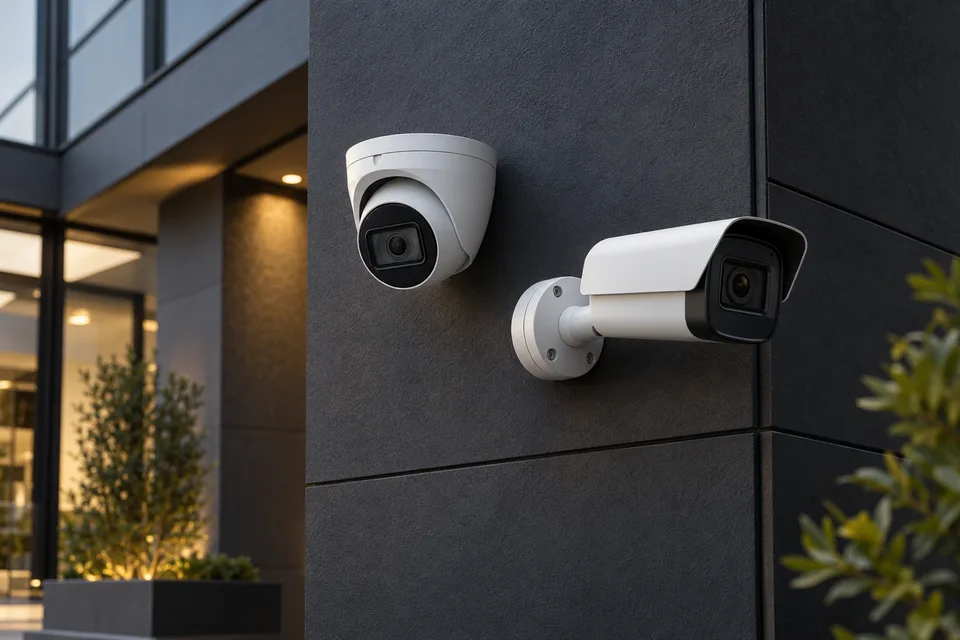
A solution shaped around your work.
Remote viewing should be a deliberate access decision. Identify who needs live images or playback, select a supported connection method and document how accounts and approved devices are removed when responsibilities change.
What this service covers
- Recorder remote-access capability and network review
- Named viewer accounts and least-privilege permissions
- Approved client and connection method configuration
- Offsite viewing tests and access removal checks
We confirm the selected equipment, responsibilities and deliverables in your project proposal before work begins.
How we deliver the work
- 01
Review the site and purpose
Map the areas that need visibility, lighting conditions and existing equipment. Discuss authorized viewing, recording objectives and the intended use of the system.
- 02
Coordinate the installation
Plan camera positions, cable routes, recorder connections and storage arrangements. Coordinate site access and confirm which equipment and configuration changes form part of the work.
- 03
Check viewing and recording
Verify agreed live views, playback, time settings and administrator permissions. Review the handover with the responsible operator and document outstanding maintenance requirements.
A clear handover
Agree the records your team needs to operate and maintain the solution. Depending on the selected scope, these can include:
- Camera and recorder configuration record
- Live-view and playback check results
- Operator guidance and maintenance observations
What to prepare for your project
Provide recorder models, current connection details and authorised viewer roles. Identify approved phones or computers and the person responsible for revoking access when staff responsibilities change.
Discuss this serviceYour questions, answered
Do remote viewers need administrator access to the recorder?
Usually they should receive only the viewing or playback permissions their role requires. Supported account controls are reviewed so ordinary users do not gain configuration, deletion or export access unnecessarily.
How should recording retention and storage be planned?
Review the camera count, resolution, recording schedule and retention requirements for the premises. Confirm the proposed capacity and recording settings together; camera count alone does not establish how long footage is retained.
Can authorised staff view cameras from a phone?
Remote viewing can be assessed for compatible equipment and the available connection. Agree who can view live footage or recordings, protect their accounts and test access without sharing administrator credentials.
Do you need camera footage to assess the initial request?
Usually a description of the issue, equipment models and a general layout is enough to begin. Do not upload CCTV footage or access credentials to the enquiry form. Any later diagnostic access should be authorized and limited to the agreed work.